Skip to content
online
env0.46.1 · 1d135e2
LiveWall app icon: a glowing video frame with a play button above a neon grid
In developmentmacOS

LiveWall

Your desktop, alive

LiveWall plays your videos as the wallpaper behind the desktop icons — on one display, on all displays in sync, or with a different video on each. It rotates through a playlist and pauses while you work.

The free version rotates up to 3 videos on one display and already includes the built-in collection, all themes, energy settings, the menu bar and all fifteen languages. LiveWall Pro is a one-time purchase with Family Sharing, no subscription: an unlimited playlist, all displays at once and a different video on each display.

Screenshots

Features

A playlist, not a picture

Add videos or whole folders (MP4, MOV, M4V), reorder them by dragging, exclude a video without removing it, and see its resolution, length and frame rate. Each video plays from 5 seconds to 1 hour, in order or shuffled, with cross-fades of up to 3 seconds.

Every display, your way

Auto (the second display), a display you choose, or all displays in sync — decoded once. With Pro, pin a different video to each screen.

Twelve loops made for LiveWall

A built-in collection of seamless loops in 16:9, 16:10, 21:9, 32:9, MacBook Pro and 9:16 shapes, each with a format badge: Ultrawide, Full HD, 2K, 4K.

Pauses when nobody is watching

Playback pauses when a full-screen app or a maximized window covers the wallpaper, on battery and in Low Power Mode. The rotation waits during pauses, and playback stops when the displays sleep.

Five looks for the window

Hologram, Neon, Phosphor, Amber and Synthwave — the themes style LiveWall's own window only.

Always at hand

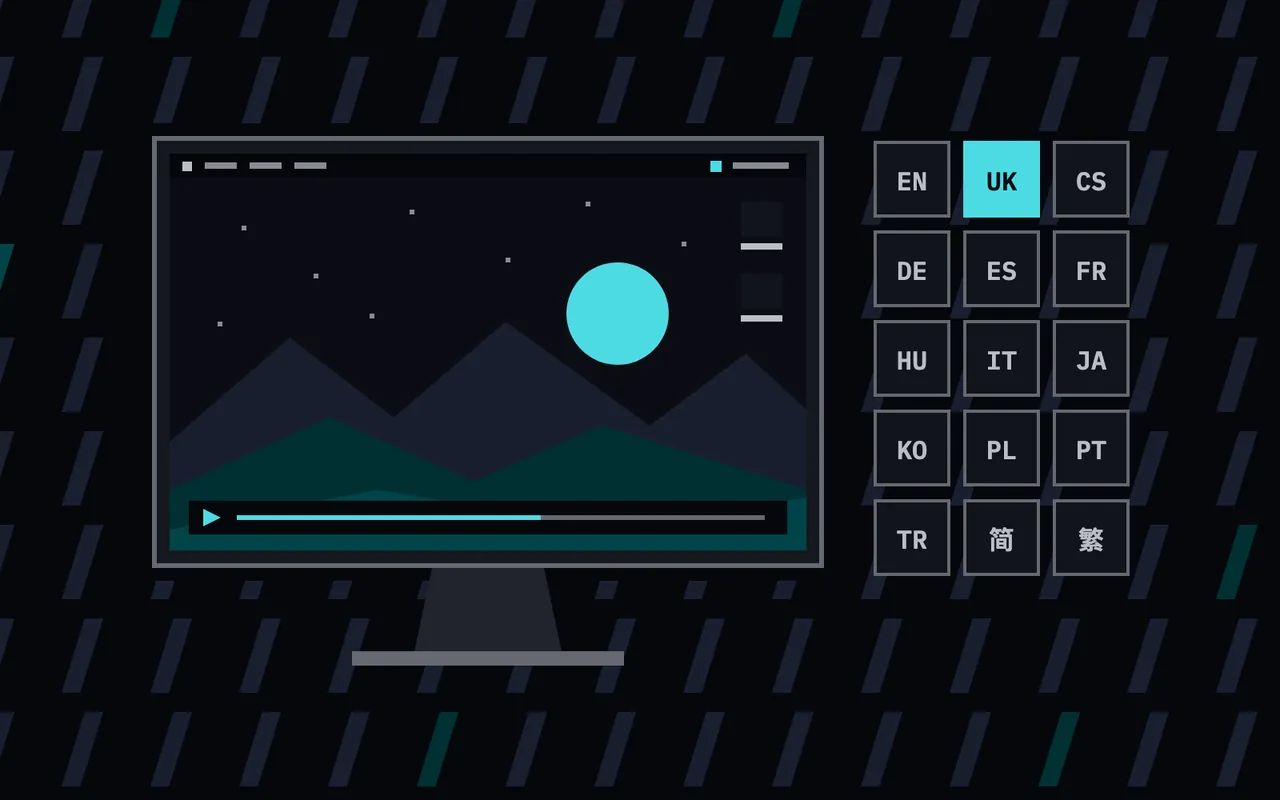
Pause, skip, go back, jump to a video, change the period, display or language from the menu bar; Space, ⌘←, ⌘→ and ⌘O in the window. Launches at login, and closing the window leaves the wallpaper playing. Fifteen languages, following the system by default.

No network. No accounts. No analytics.

No network connection, account, telemetry, crash reporting or advertising. LiveWall reads only the videos you add, to play them.
Pricing

Free
Free

Up to 3 videos in rotation, one display at a time.

  • Built-in collection of twelve loops
  • All five themes
  • Energy saving and menu bar controls
  • All fifteen languages

On the App Store from

System requirements

  • macOS 14 Sonoma or later
  • One universal build, native on Apple Silicon and Intel
  • Videos: MP4, MOV or M4V, H.264 or HEVC, at any resolution your Mac can play

FAQ

Is LiveWall a subscription?

No. The free version rotates up to 3 videos on one display. LiveWall Pro is a one-time purchase with Family Sharing.

What does LiveWall Pro add?

An unlimited playlist, all displays at once, and a different video on each display.

Will it drain my battery?

LiveWall pauses when a full-screen app or a maximized window covers the wallpaper, on battery and in Low Power Mode, and stops playback while the displays sleep.

Does LiveWall send my data anywhere?

No. It makes no network connections and has no accounts, telemetry, crash reporting or ads. It reads only the videos you add.